FAQ


General
eSIM Installation
Using eSIM
eSIM Management and Top up
Issues and Errors
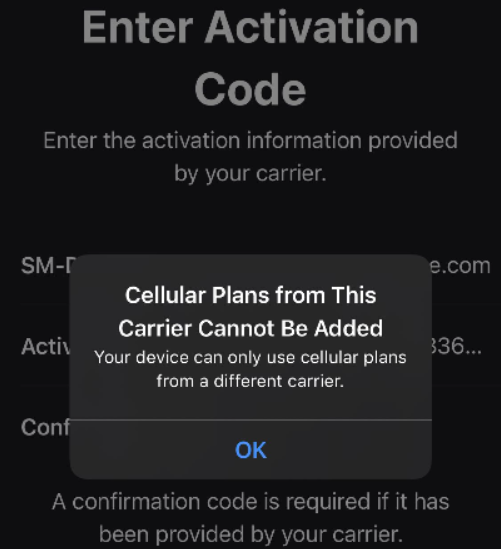
“Unable to Add Cellular Plans from This Carrier” – What Should I Do?
This error may appear if you're trying to install an eSIM on a device that is locked to a mobile network operator. To check whether your device is locked, follow these steps:
- Open Settings.
- Go to General.
- Tap About.
- Look for the Carrier Lock section.
- If you see "No SIM restrictions", your device is unlocked and compatible with eSIM installation.
If you see a different message or the information is not available, your device may be carrier-locked. In that case, please contact your mobile operator and request that the device be unlocked.
If your operator confirms that the phone is unlocked and the problem still persists, please contact our technical support team—we’ll be happy to help resolve the issue.